Luxon ERP — Trade & Distribution
A trade and distribution ERP with 150 migrations: pre-orders, container imports, warehouses, sales, accounting, HR, CRM, fleets, and deliveries in one workflow.
See the service: ERP for Village Enterprises & Small Business
Screenshots
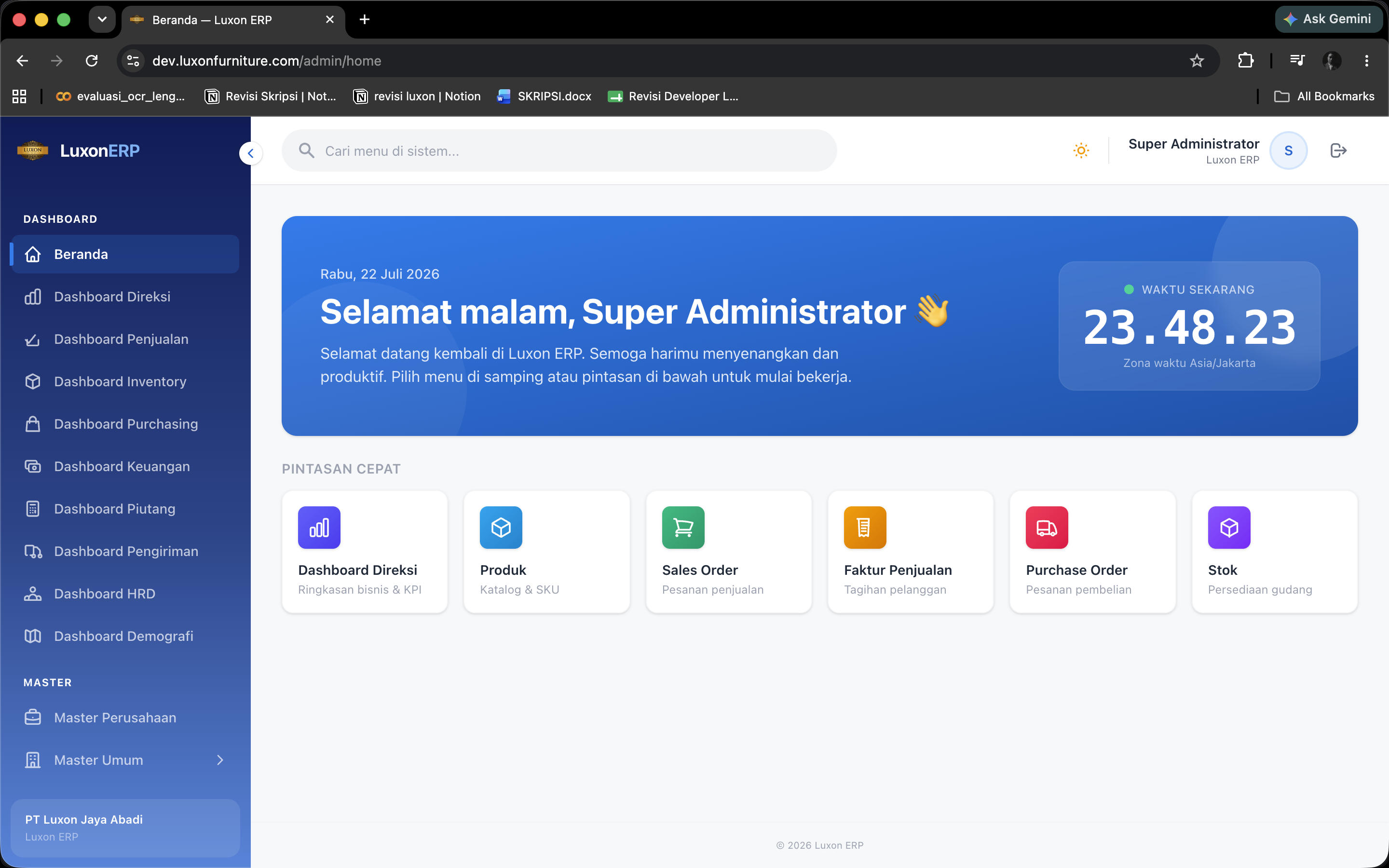
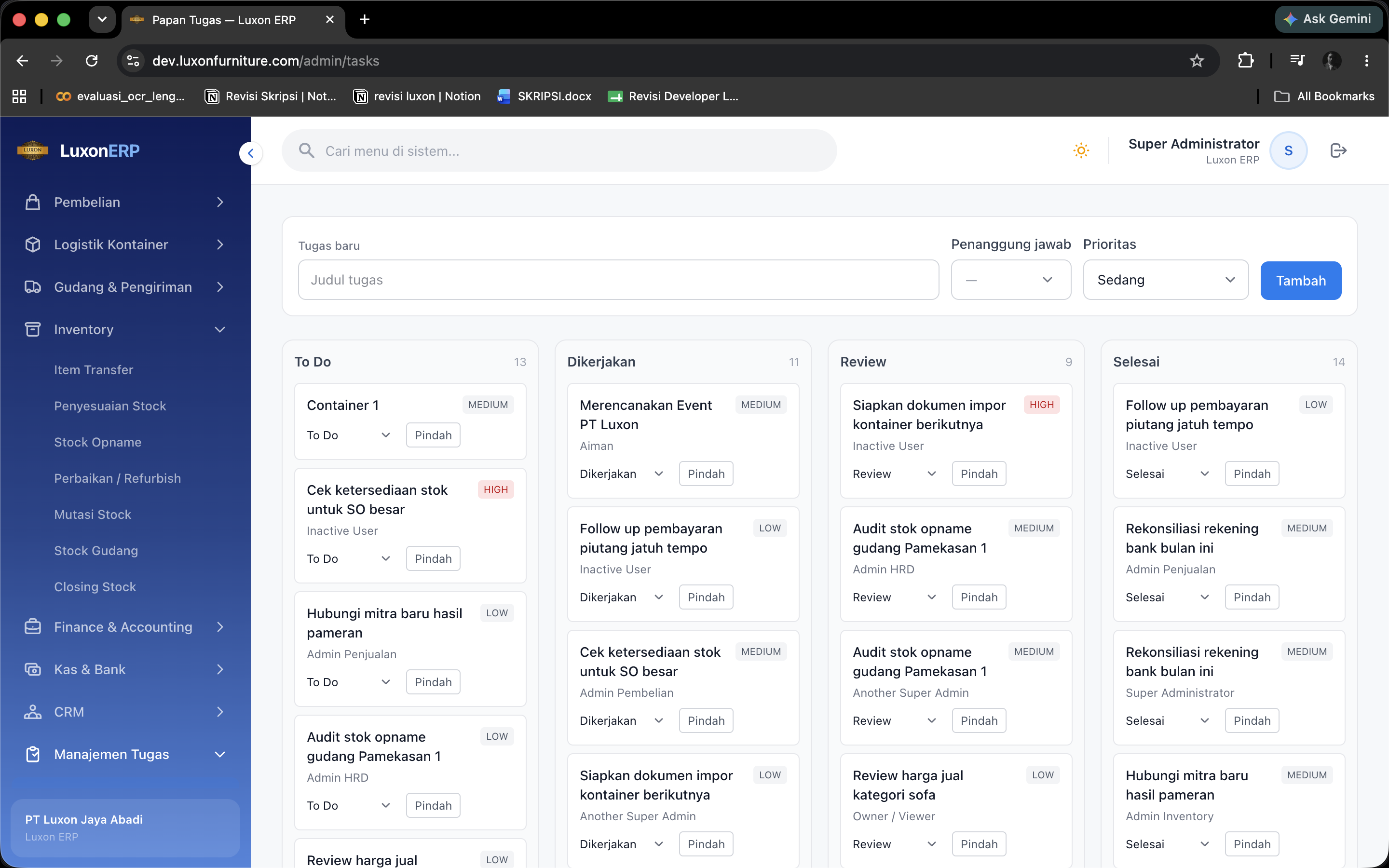
Overview
What this system does.
Luxon ERP manages trade processes from customer pre-orders and supplier purchasing through goods receipt, sales, billing, and delivery. The container module records imported items, pre-order allocations, remaining allocations, and arrival tracking, while inbound logs record incoming goods before formal receipt. Documents such as pre-orders, purchase orders, sales orders, proformas, invoices, delivery notes, and credit notes can be printed or exported.
Inventory includes products with colour, pattern, brand, and type variants, price lists, warehouse stock balances and averages, incoming goods, adjustments, stocktaking, periodic inventory closing, inter-warehouse transfers, and repairs with refurbish, restock, or scrap options. Approval workflows apply to receipt, stock changes, purchasing, sales, transfers, and returns, with approval queues returning users to their original list after an action.
Finance includes journals, journal types, account balances, cash receipts and payments, advances, payment terms, payment schedules, bank reconciliation, period closing, and balance sheet, profit and loss, cash flow, general ledger, and trial balance reports. Supporting modules cover employees, branches, divisions, attendance, leave requests with attachments, payslips with PTKP non-taxable income status, an employee portal, assets and depreciation, CRM prospects, task boards, fleets and drivers, and delivery schedules and trips. Menus and access rights are built through a menu builder that can be synchronised with the permission catalogue.
Feature inventory
Highlights
35 capabilities verified against the project source.
Trade and documents
- Customer pre-orders and conversion into the sales process
- Purchase orders with approval, estimated arrival, and document exports
- Import containers: item lists, pre-order allocations, remaining allocations, and tracking
- Inbound logs and goods receipt with approval or rejection
- Sales orders with confirmation, cancellation, and approval workflows
- Delivery orders and delivery notes with shipment and completion status
- Purchase and sales invoices with instalment payments
- Sales advances and their application to invoices
- Payment terms and payment schedules per transaction
- Purchase and sales returns with approval, rejection, and complaints
- Printing pre-orders, purchase orders, sales orders, proformas, invoices, delivery notes, and credit notes
Products and inventory
- Product reference data with colours, patterns, brands, types, and core products
- Price lists, suppliers, partners, and cost-of-goods checks
- Warehouses, stock balances, stock averages, stock cards, and inventory activity logs
- Stock adjustments, stocktaking, and periodic inventory closing
- Inter-warehouse goods transfers with approval and receipt
- Goods repairs with refurbish, restock, or scrap actions
Finance
- Accounting journals, journal types, account balances, and accounting periods
- Cash receipts, cash payments, bank accounts, and bank statements
- Bank reconciliation: imports, automatic matching, manual matching, and unmatching
- Balance sheet, profit and loss, cash flow, general ledger, and trial balance reports
Reporting
- Sales reports by order and product, purchasing, inventory, and returns
- Receivables and payables ageing reports and critical-stock lists
- Report and dashboard exports to files
People and assets
- Branches, divisions, subdivisions, positions, and employees
- Employee attendance, leave requests with attachments, approvals, and leave records
- Payslips with PTKP status and an employee portal for downloads
- Assets, asset categories, and depreciation
CRM and logistics
- CRM: prospects, stage changes, interactions, follow-up actions, and conversion
- Task boards with work-status changes
- Fleets, drivers, vehicles, delivery schedules, and delivery trips
Reference data and access
- Provincial, city, district, and village reference data
- Menu builder with groups, sections, items, and permission-catalogue synchronisation
- Roles, role modules, user impersonation, and password resets
- Outgoing notifications, activity logs, and public document pages
Capabilities
What it is built to handle.
Implementation highlights documented in the project source.
- Import workflow
- Containers
- Pre-order allocations and inbound records
- Inventory control
- Warehouses
- Transfers, stocktaking, and closing
- Connected operations
- ERP
- Finance, HR, CRM, and logistics
Tech stack
Built with 9 technologies.
- Laravel 13
- PHP 8.3
- Blade
- Tailwind CSS 4
- Spatie Permission 8
- DomPDF
- Maatwebsite Excel
- Playwright
- MySQL
Common questions
What people usually ask.
What does the container module actually do?
It tracks an import from purchase to arrival: the items in the container, which customer pre-orders they are allocated against, what allocation remains, and where the shipment is. Inbound logs record goods physically arriving before formal receipt.
How are approvals handled across so many modules?
Receipt, stock changes, purchasing, sales, transfers, and returns all pass through the same approval queue, and acting on an item returns the user to the list they came from rather than to a dashboard.
Is the menu structure fixed?
No. Menus and access rights are built through a menu builder with groups, sections, and items, and it can be synchronised against the permission catalogue so a new module does not need a code change to appear.
Same field
Related projects.
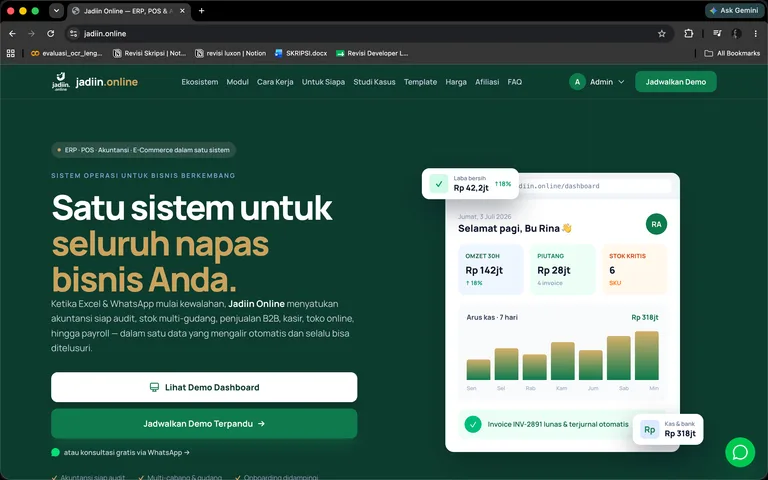
Jadiin.online — ERP, POS & Online Store
An ERP ecosystem with sales, POS, purchasing, multi-warehouse inventory, accounting, payroll, assets, a multi-gateway online store, and a customer portal for orders and product support.
Laravel 12 · PHP 8.2 · Blade · Tailwind CSS 4 · +16
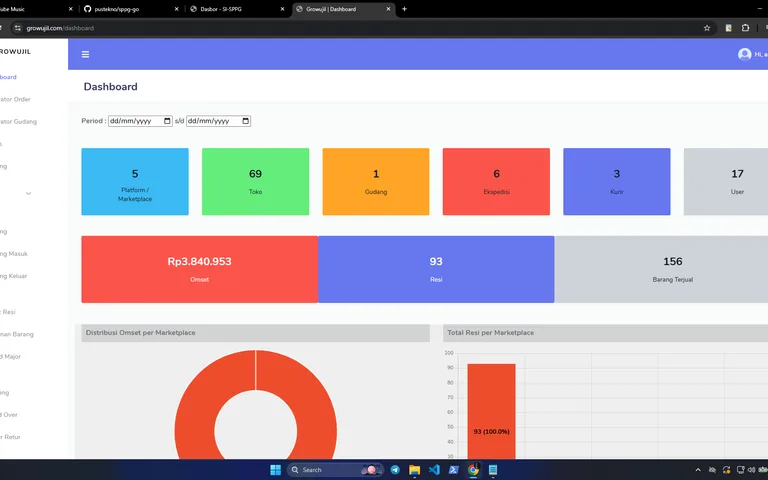
Growujil — E-commerce & Fulfilment ERP
A multi-store, multi-warehouse sales operations application: orders, inventory, pickups, shipping, returns, fraud cases, advertising records, and revenue and profit reports.
Laravel 11 · Laravel Breeze · Blade · Alpine.js · +6
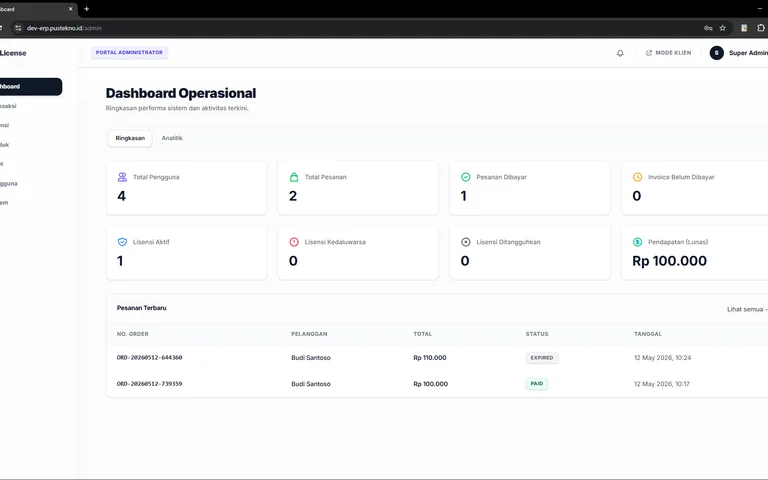
License Management — Software Distribution & Licensing
A software sales and distribution portal with licence activation, client validation, renewals, GitHub releases, Tripay payments, token-based downloads, and support tickets.
Laravel 13 · PHP 8.3 · Blade · Alpine.js · +5