SIMPKBM — Multi-Tenant SaaS for PKBM
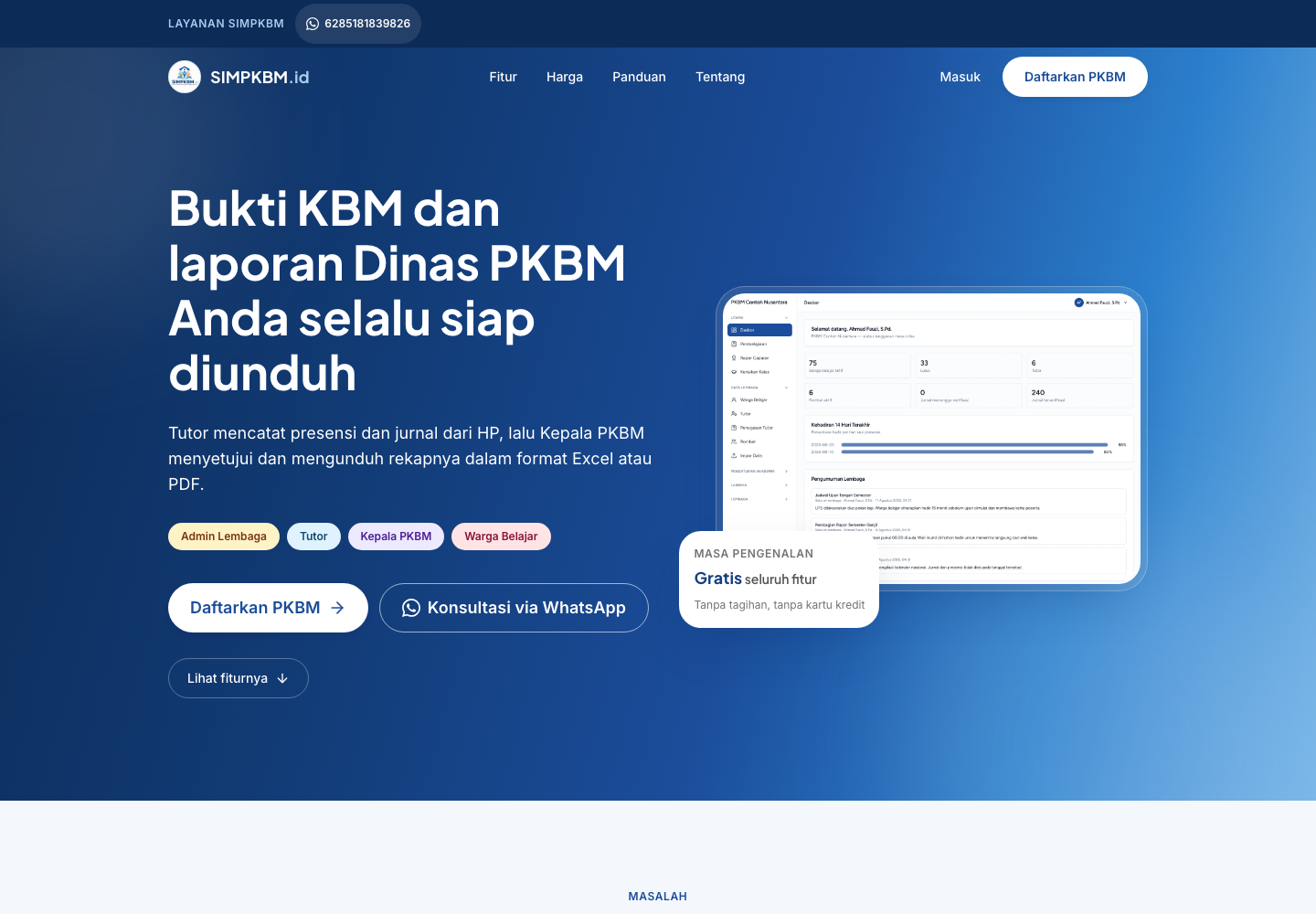
A multi-tenant platform for PKBM Paket A, B, and C programmes: academics, QR attendance, verified teaching journals, online learning, exams, report cards, certificates, subscriptions, and AI assistance.
Screenshots
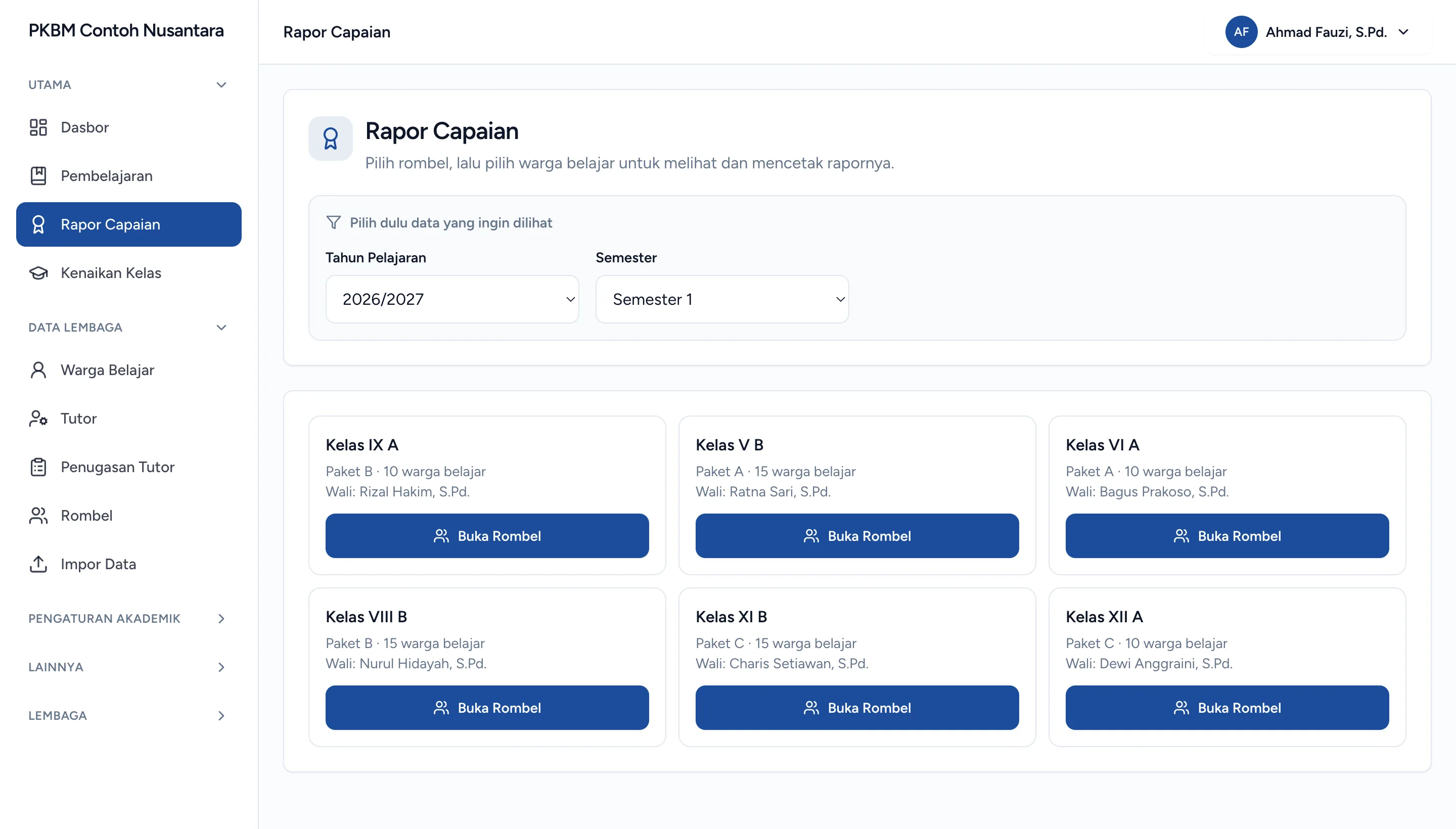
Overview
What this system does.
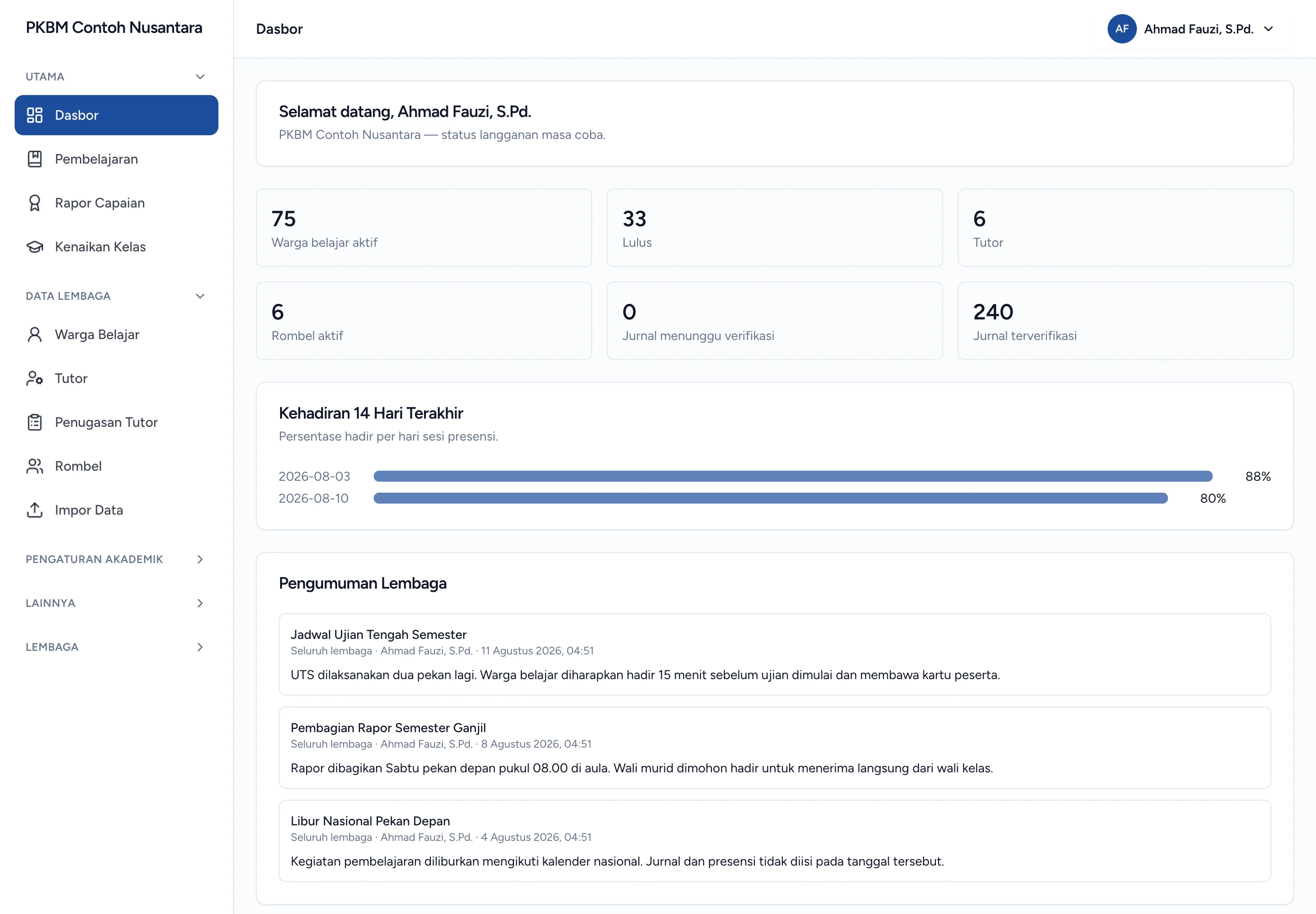
SIMPKBM is a multi-tenant application: one installation serves multiple Pusat Kegiatan Belajar Masyarakat (community learning centres), each with its own subdomain, data, and settings. Institutions register themselves through a public page, and a background provisioning process prepares the tenant. Subdomain TLS certificates are issued on demand through a host-verification endpoint called by Caddy. Platform operators manage tenants, activation, suspension, archiving, impersonation, default subject and module catalogues, subscription plans, invoices, and AI-feature permissions for each institution.
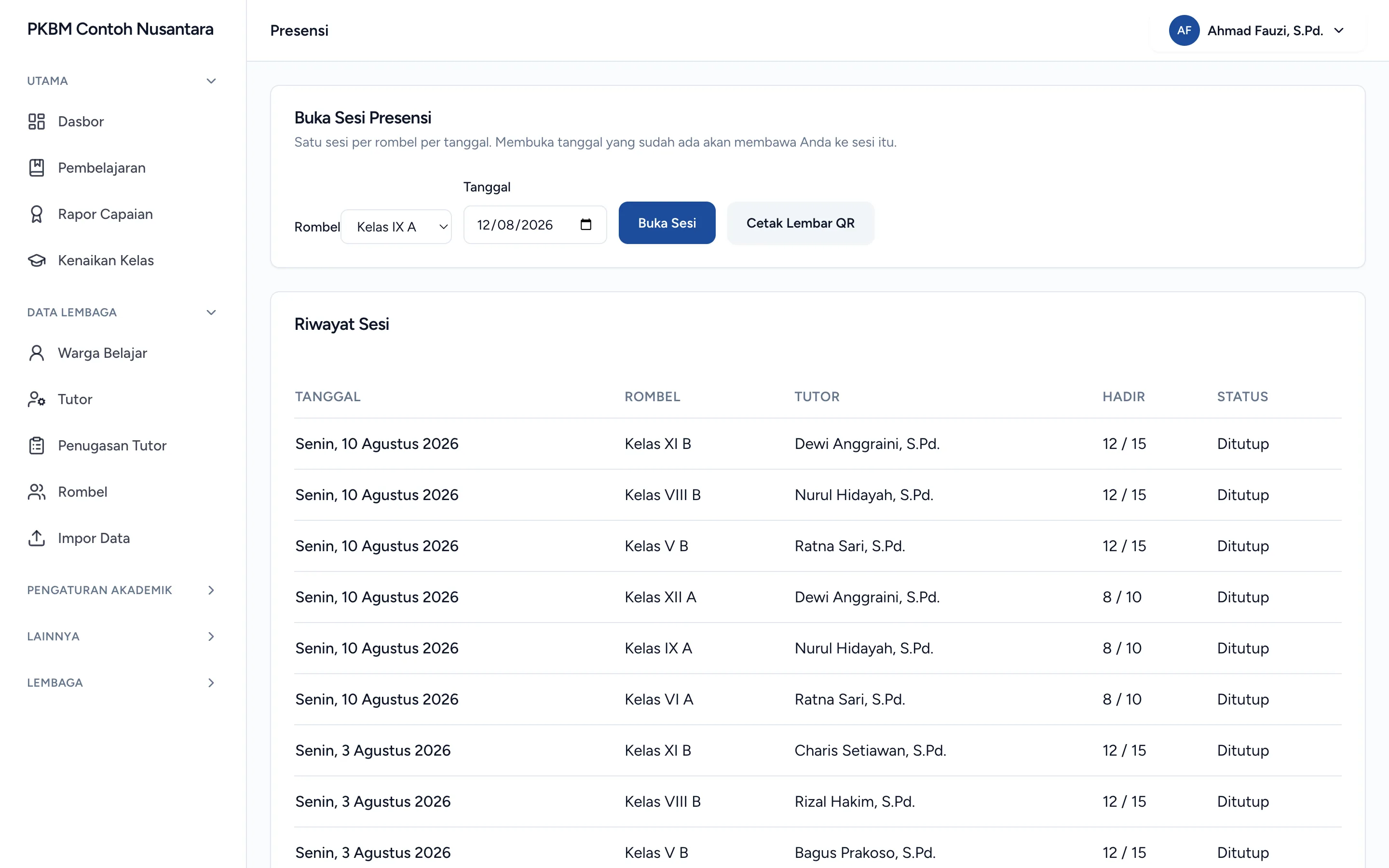
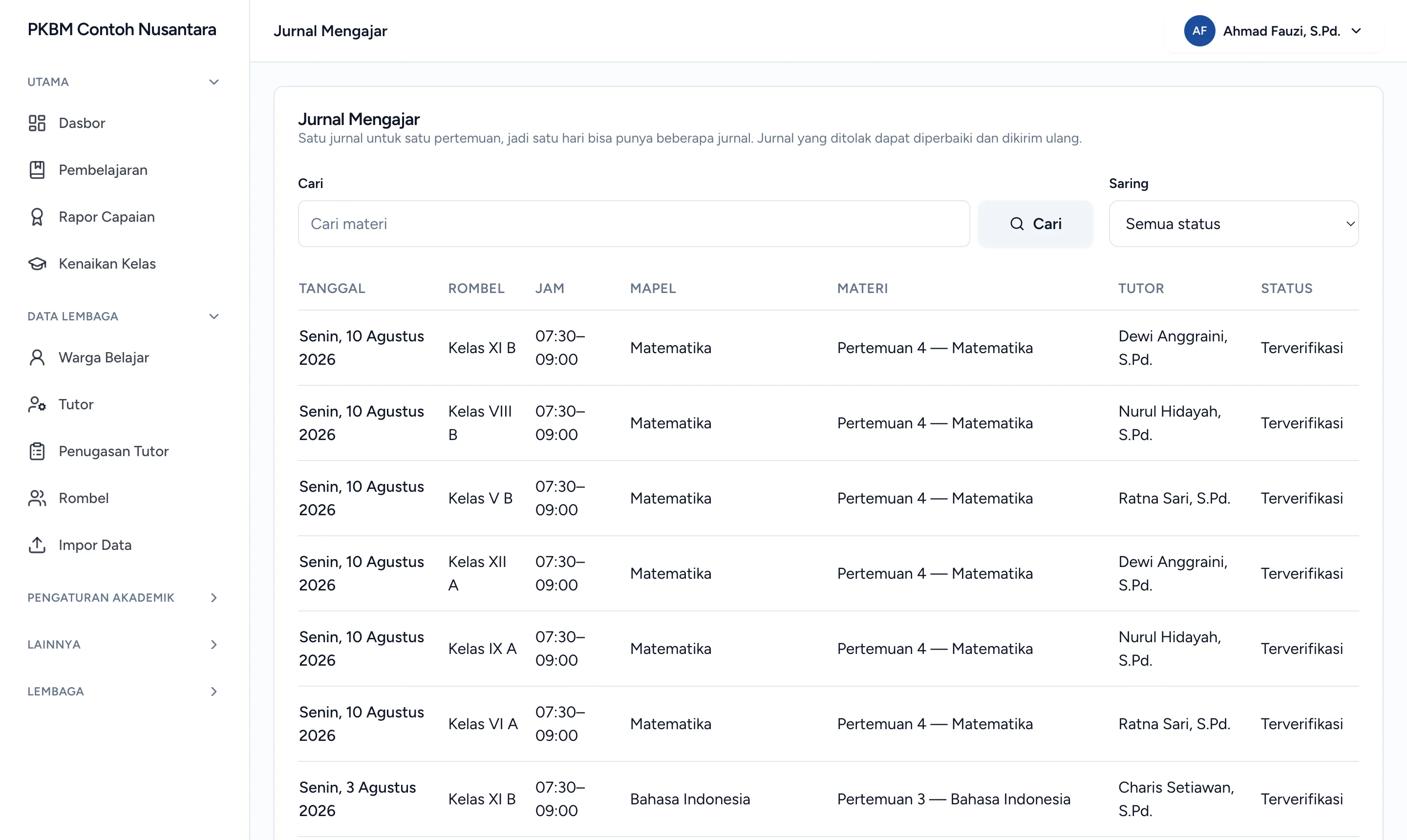
Within each tenant, administrators configure Paket A/B/C equivalency programmes, academic years, phases, subjects, modules, learning outcomes, skills, mastery thresholds, study groups, schedules, tutors, and learners. Tutors manage manual and QR attendance, record teaching journals per lesson period with photographic documentation, distribute materials, create assignments, open virtual classes, and assess learning. PKBM heads review journals through individual or bulk approval and rejection.
Assessment includes question banks, scheduled exams with access tokens and answer autosaving, module grades, skills and attitude assessments, grade recalculation, report-card preparation, and graduation certificates. Learners have their own portal for materials, assignments, exams, report cards, certificates, and timelines, with PIN or Google-account login. Tripay processes subscription payments, Laravel Horizon handles heavy queued jobs, and OpenRouter-based AI assistance drafts questions, learning outcomes, journal activities, and report-card narratives with budget limits and prompt filtering. The frontend uses React 19 with Inertia and types generated from Laravel.
Feature inventory
Highlights
38 capabilities verified against the project source.
Tenancy and subscriptions
- Self-service institution registration, regional address selection, and slug-availability checks
- Per-tenant data isolation, institution subdomains, and slug-change histories
- On-demand TLS certificate issuance through a host-verification endpoint
- Background tenant provisioning with process logs
- Operator panel: tenant listing, activation, suspension, archiving, and impersonation
- Default platform subject and module catalogues that tenants can adopt
- Subscription plans, invoices, Tripay payment transactions, and per-tenant billing switches
- AI-feature permissions and usage budgets per institution
Academics and study groups
- Paket A/B/C programmes, active academic years, phases, and subject catalogues
- Learning modules, learning outcomes, skills, and minimum mastery thresholds (KKM)
- Study groups, learner placement, and subjects and skills per group
- Tutor assignments and staff, tutor, and learner accounts
- Lesson schedules: bulk entry, configuration, generation, and downloads
- Queued Excel imports with failure records
- Learner-card printing individually or by study group
Attendance and teaching journals
- Manual attendance and QR scanning with session opening, closing, and reopening
- Printable QR attendance sheets for class sessions
- Teaching journals per lesson period, photographic documentation, and reviewer submission
- Individual or bulk journal approvals and rejection for revision
Learning
- Link- or file-based learning materials, downloads, and discussions on materials
- Assignments with deadlines, submissions, answer-file downloads, comments, and grading
- Virtual classes and announcements for learners
Assessment and report cards
- Question banks, exam preparation, and question synchronisation to exams
- Learner exams with access tokens, answer autosaving, and automatic grading
- Module grades, skills, attitude assessments, and grade-source settings
- Grade recalculation, report-card readiness checks, and report-card preparation
- Individual report-card printing, class downloads, and queued report exports
- Graduation certificates printable from the panel or learner portal
- Grade progression and academic placement across academic years
- Attendance, academic, and journal reports with summary exports
Portal and accounts
- Learner portal: materials, assignments, exams, report cards, certificates, attendance, and timelines
- Staff and learner login, PINs, access recovery, and Google-account linking
- Credential-reset requests, email changes, and email verification
- Account-deletion requests at tenant and platform levels
- Tenant notifications, activity logs, and access restrictions by role and class
AI assistance and API
- AI assistance: question-bank drafts, learning outcomes, journal activities, and report-card narratives
- Prompt filtering and AI usage-budget limits
- Tutor and learner APIs for the Flutter companion mobile application
Capabilities
What it is built to handle.
Implementation highlights documented in the project source.
- Multiple institutions
- Multi-tenant
- Subdomains and on-demand TLS
- Teaching activities
- Learning
- Attendance, journals, assignments, and exams
- Drafting assistance
- AI
- Questions, outcomes, and report-card narratives
Tech stack
Built with 22 technologies.
- Laravel 12
- PHP 8.3
- Inertia.js 2
- React 19
- TypeScript
- Tailwind CSS 3
- Laravel Sanctum
- Laravel Horizon
- Laravel Socialite
- Spatie Permission
- Spatie Query Builder
- Spatie Activitylog
- Spatie Laravel Data
- TypeScript Transformer
- Ziggy
- DomPDF
- Maatwebsite Excel
- Simple QrCode
- Tripay
- OpenRouter
- Caddy
- MySQL
Common questions
What people usually ask.
How does a new institution get its own subdomain?
It registers itself on a public page, a background job provisions the tenant, and the TLS certificate for the subdomain is issued on demand through a host-verification endpoint that Caddy calls. No manual step is involved.
What stops a teacher keeping a paper journal as well?
The journal is filled in once, with photographic documentation, and reviewed and approved by the head of the institution inside the same system — individually or in bulk. If a second book survives, the design has failed.
How is the AI assistance kept under control?
Three ways: it is a per-institution permission, it has a usage budget, and prompts are filtered. It drafts question banks, learning outcomes, journal activities, and report-card narratives; a human still approves what is kept.
Same field
Related projects.
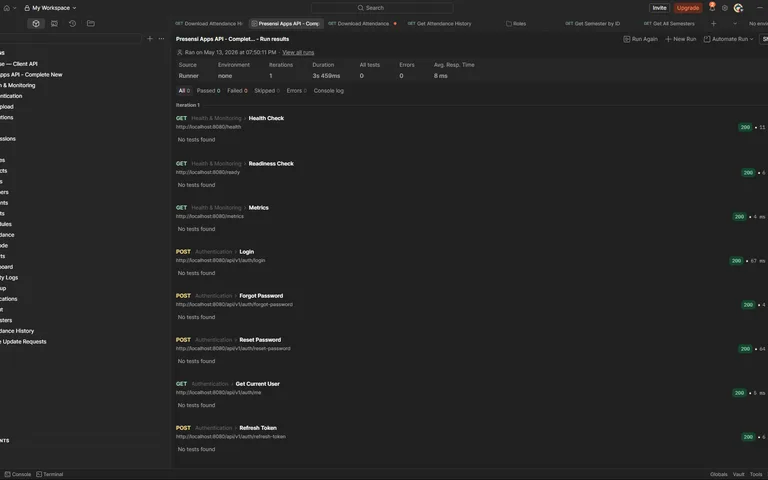
Hadira — School Attendance Backend (Go)
A Go school-attendance backend: attendance sessions, QR codes and location checks, attendance corrections, academic years, matrix reports, exports, and Prometheus and OpenTelemetry observability.
Go 1.24 · Gin · GORM · PostgreSQL · +10
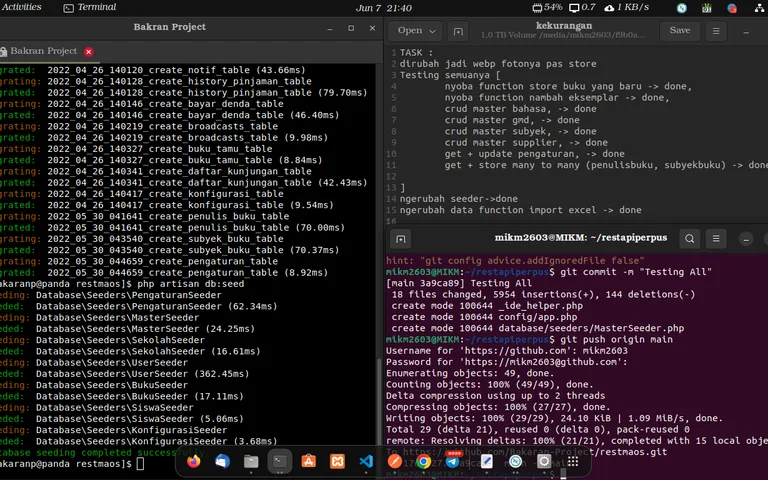
RestMaos — School Library Management API
A Lumen school-library API: catalogue and DDC classification, copies, members, circulation, fines, visits, broadcasts, and reporting.
Lumen 8 · PHP 8 · MySQL · JWT Auth · +3