Deployer — Website Deployment from GitHub
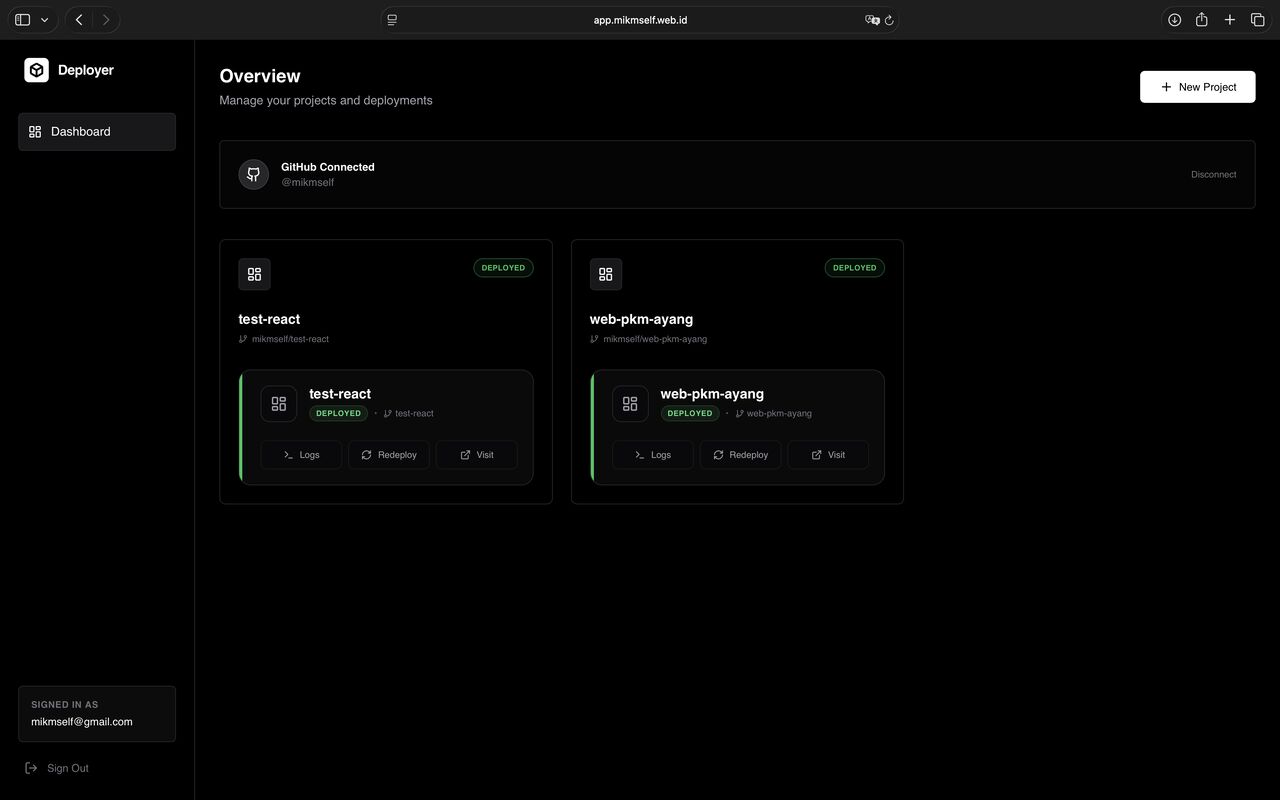
A deployment dashboard with GitHub OAuth, repository and branch selection, build queues, workers, per-stage log histories, redeployment, and project subdomain addresses.
Screenshots
Overview
What this system does.
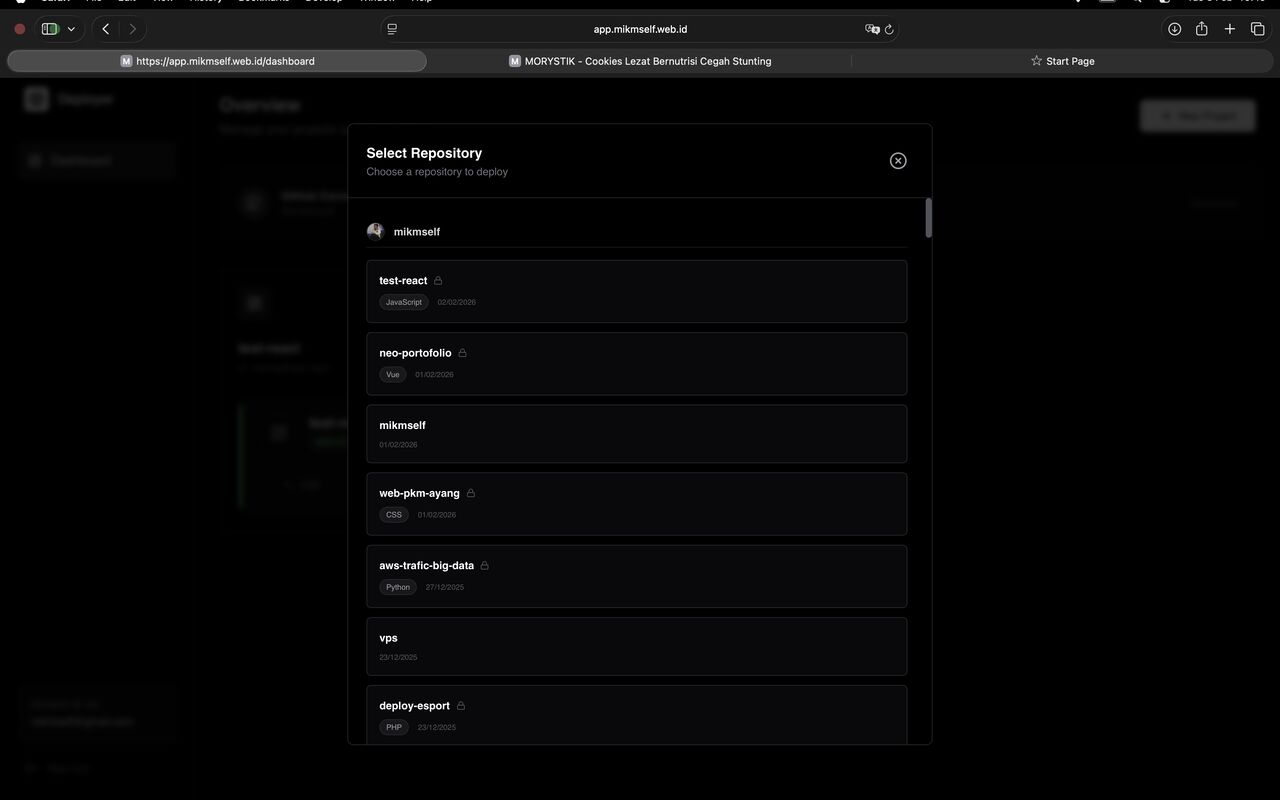
Deployer is a deployment application with a Next.js dashboard and a TypeScript Express backend. Users register, connect their GitHub accounts through OAuth, select a repository and branch, and create a project with its own subdomain. Deployments can run directly from the dashboard or be triggered automatically by repository push webhooks.
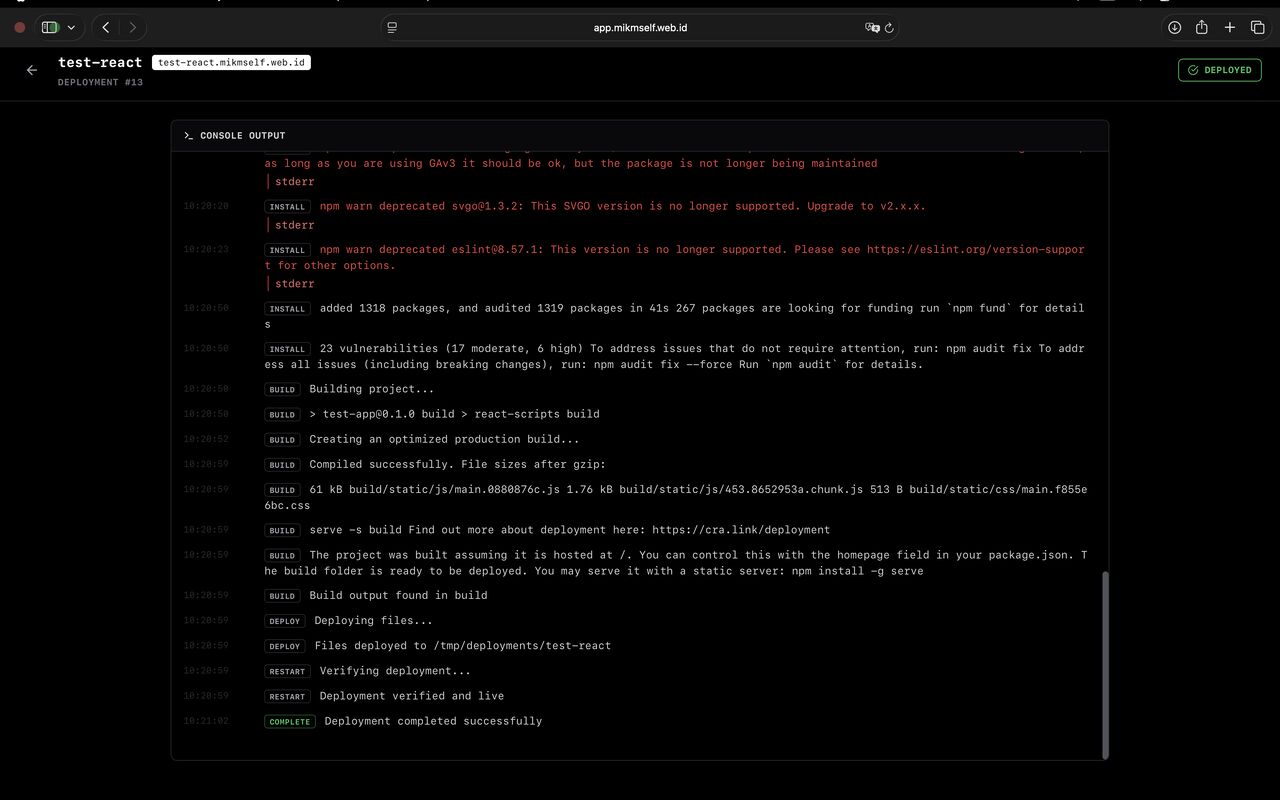
Deployment requests enter a queue and are processed by workers: source code is fetched according to the project configuration, the project structure is inspected, and, if package.json exists, dependencies are installed and the build command runs before the output is copied to the subdomain directory. Static websites without package.json follow a separate processing path. Each stage saves its status and logs so failures can be investigated from the dashboard.
GitHub credentials are encrypted at rest, requests are rate limited, and failure-prone operations are wrapped in retry mechanisms. The backend stores data in PostgreSQL with its own migration scripts, uses cookie-based JWT authentication, and is tested with Jest, Supertest, and property-based tests. All services are packaged with Docker Compose.
Feature inventory
Highlights
17 capabilities verified against the project source.
- Registration, login, and JWT-based dashboard sessions
- GitHub account connection through OAuth with encrypted token storage
- GitHub repository listing and branch selection
- Project creation with names and subdomains
- Users’ project lists with their latest statuses
- Manual deployment from the dashboard
- Deployment triggers from GitHub push webhooks
- Deployment queues with separate processing workers
- Repository code retrieval according to project configuration
- Node.js project detection through package.json
- Dependency installation and build-command execution
- Build-output directory selection or static-website processing
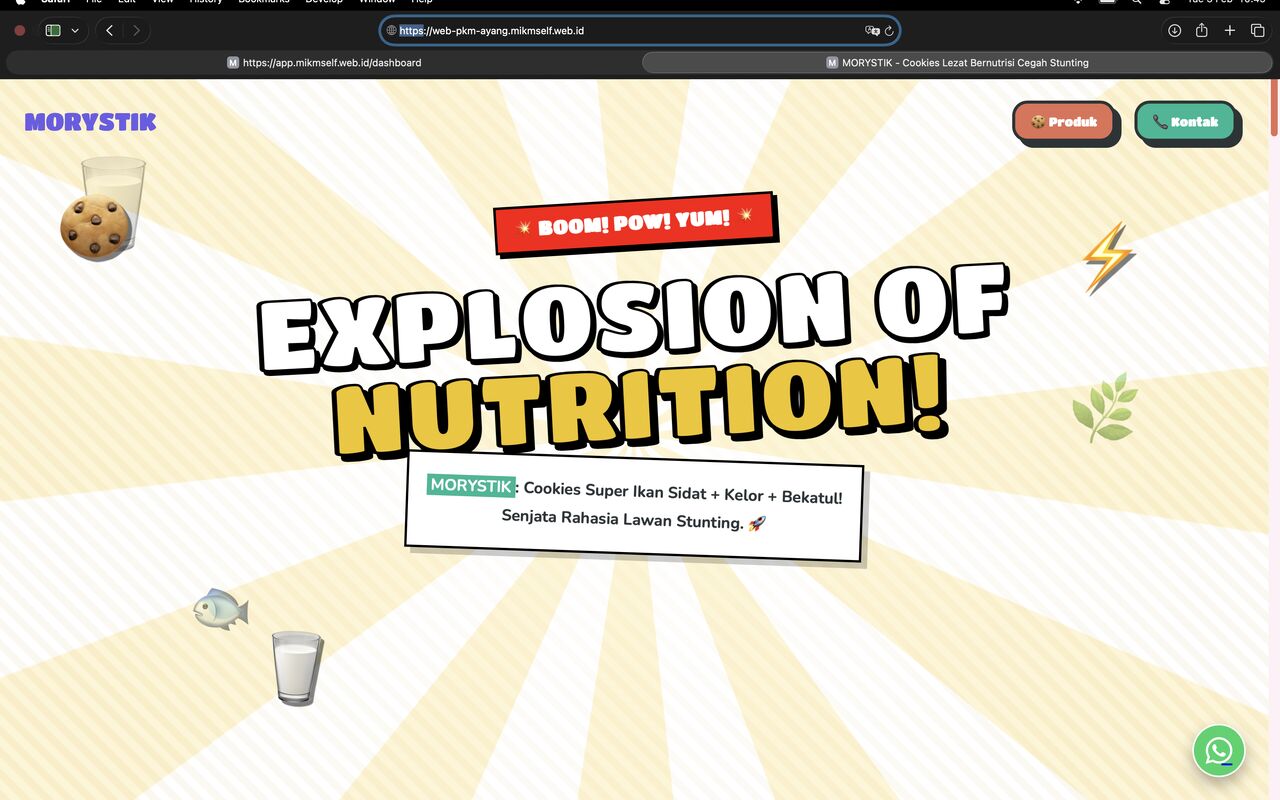
- Build output copied to project subdomain directories
- Deployment histories, statuses, and per-stage logs
- Project redeployment and deletion
- Request rate limiting and retry mechanisms for external operations
- Standalone database migrations and Docker Compose packaging
Tech stack
Built with 12 technologies.
- Next.js 14
- React 18
- TypeScript
- Tailwind CSS 3
- Framer Motion
- Node.js
- Express 4
- PostgreSQL
- GitHub API
- JWT
- Jest
- Docker
Common questions
What people usually ask.
What happens after a deployment is triggered?
The request enters a queue and a worker picks it up: it fetches the repository, inspects the project structure, and where package.json exists installs dependencies and runs the build before copying the output to the subdomain directory.
How are GitHub credentials stored?
Encrypted at rest. Requests are rate limited and failure-prone external operations are wrapped in retries, because the most common deployment failure is a network hiccup rather than a bad build.
Can a failed deployment be diagnosed from the dashboard?
Yes. Each stage saves its own status and logs, so a failure points at the stage that failed rather than at a single opaque "deployment failed".
Same field
Related projects.
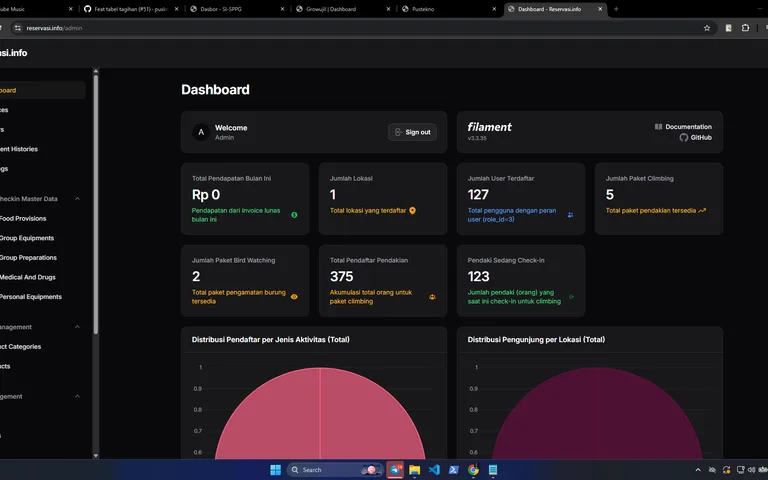
Reservasi.info — Hiking & Nature Tourism Reservations
A hiking and nature-tourism reservation platform with participant quotas, group and equipment records, Tripay payments, a wallet balance, rescheduling, check-in and check-out, and visitor reports.
Laravel 12 · Filament 3 · Blade · Tailwind CSS 4 · +5

WeddingNesia — Digital Wedding Invitations
A digital wedding-invitation service where couples pick a theme, fill in their own details, and order a personal invitation page to share with their guests.
Laravel · React · MySQL
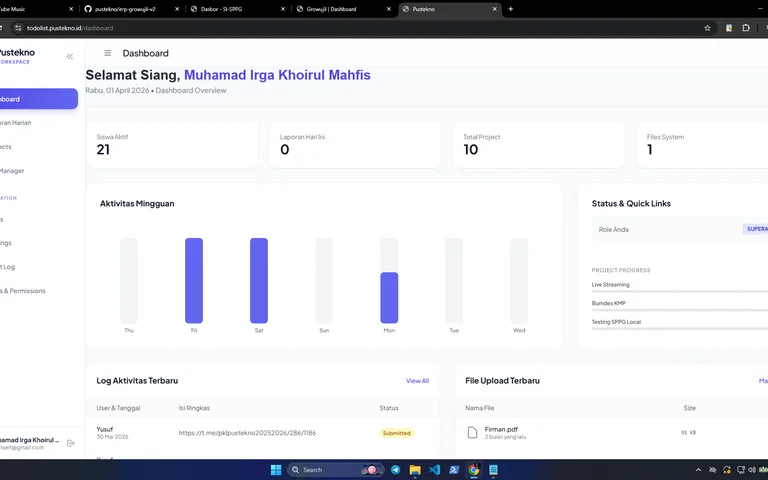
Todolist Pustekno — Project & Task Collaboration
A Livewire teamwork application with projects, task boards, checklists, comments, attachments, recurring schedules, daily logs, and Telegram notifications.
Laravel 12 · PHP 8.4 · Livewire 3 · Livewire Volt · +6