ASIS Studio — Interactive Learning Activities & Labs
The interactive side of ASIS: themed learning rooms, games and quizzes, real-time duels and shared rooms joined by code, science and maths lab apps, daily puzzles, and XP, levels, and badges linked to the student profile.
Screenshots
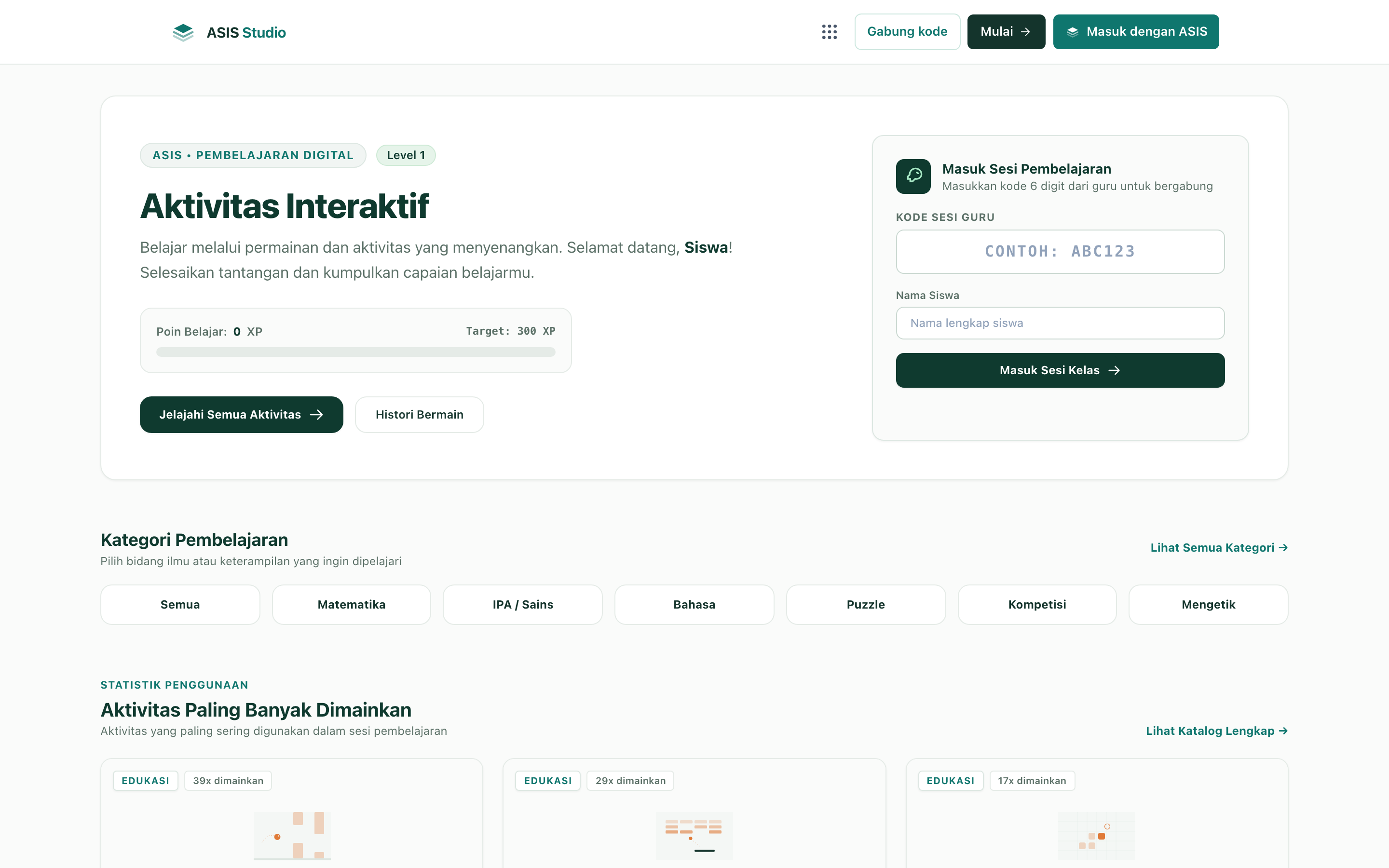
Overview
What this system does.
Studio is the interactive learning space of the ASIS ecosystem, where students learn by playing, experimenting, and competing. Content is organised into themed rooms such as Explore, Play, Classroom, and Quiz, and the activity set includes memory games, quizzes, puzzles, and reasoning exercises, with dozens of lab apps that simulate topics such as the solar system, pendulums, phases of the moon, and states of matter.
Quizzes draw on the Pustaka question bank and are scored automatically. Teachers open shared rooms that students join with a code, and real-time duel formats let two players answer the same round against each other. Learning sessions record participants, runs, and attempts, and every activity can be rated, liked, and commented on.
Progress is gamified with experience points, levels, badges, and leaderboards. Studio can be tried without an account in guest mode; signed-in students use their ASIS account, and their results flow into the Human Profile in ASIS alongside their reading and exploration in Pustaka.
Feature inventory
Highlights
12 capabilities verified against the project source.
- Themed learning rooms
- Memory games, quizzes, and puzzles
- Science and maths lab simulations
- Daily puzzles
- Quizzes from the Pustaka question bank with automatic scoring
- Shared rooms joined with a code
- Real-time duels between students
- Learning sessions with participants and attempt records
- Ratings, likes, and comments on activities
- Experience points, levels, badges, and leaderboards
- Guest mode without an account
- Results linked to the ASIS Human Profile
Tech stack
Built with 10 technologies.
- Laravel 13
- PHP 8.4
- Phaser 4
- Three.js
- Matter.js
- D3-geo
- Tailwind CSS 4
- Laravel Sanctum
- Laravel MCP
- MySQL
Common questions
What people usually ask.
Do students need an account?
No. Studio can be tried in guest mode. Students who sign in with their ASIS account have their results recorded in the Human Profile.
How do teachers use Studio in class?
A teacher opens a room and students join with a code, so the whole class plays the same activity or quiz at the same time.
Where do the quiz questions come from?
From the Pustaka question bank, so the same reviewed questions can serve exams in ASIS and games in Studio.
Same field
Related projects.
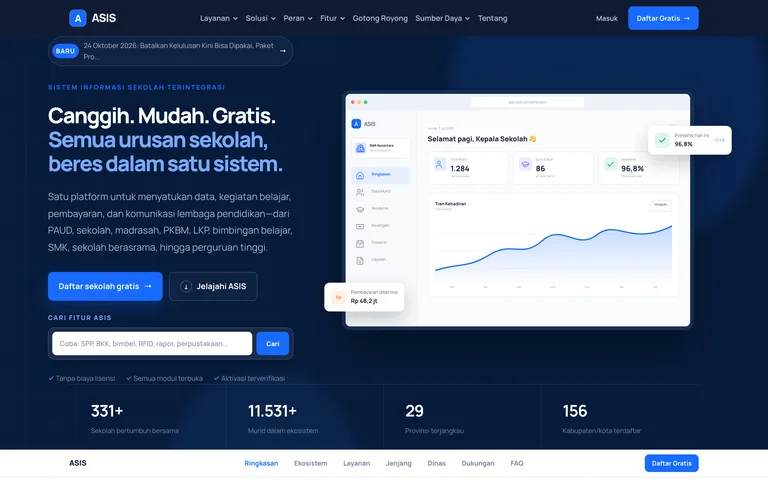
ASIS — School Information System Ecosystem
A free, multi-tenant school ecosystem with one account for every role: academics and Kurikulum Merdeka, exams, finance, student affairs, staff, school services, school websites, a mobile app, a digital library, and an interactive studio.
Laravel 13 · PHP 8.4 · Blade · Alpine.js · +7
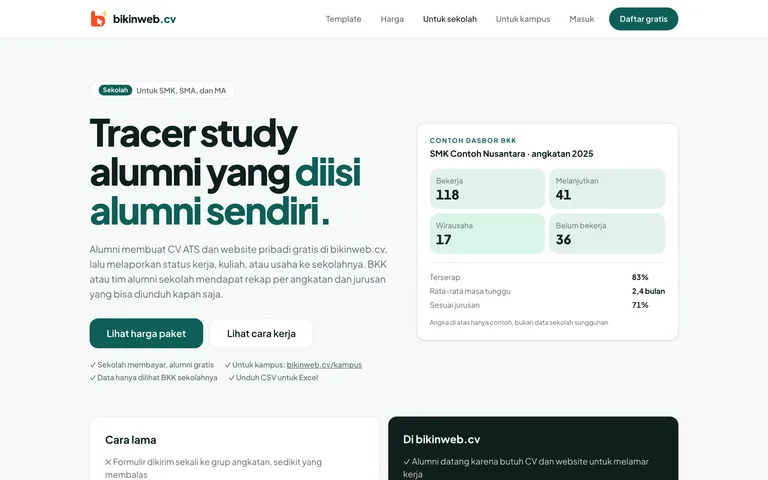
bikinweb.cv — Online CVs and Alumni Tracer Studies
A Jadiin Online product that turns one resume into a personal web page, ATS PDFs, and a QR code, and gives schools and campuses an alumni tracer study that their graduates fill in themselves.
Laravel 13 · PHP 8.4 · Tailwind CSS 4 · Alpine.js · +3
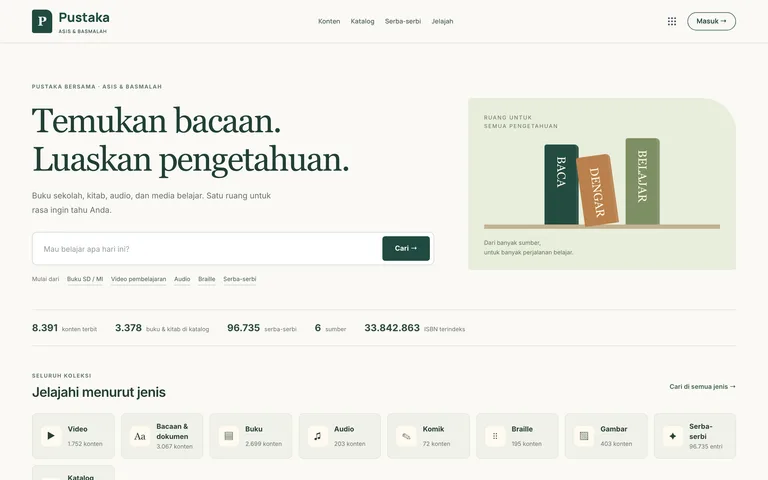
Pustaka ASIS — Digital Library, Teaching Kits & Question Bank
The content warehouse of the ASIS ecosystem: digital books, Kurikulum Merdeka teaching kits generated from learning objectives, a reviewed question bank with LaTeX and standard exports, and an ingest API for contributors.
Laravel 13 · PHP 8.4 · Blade · Alpine.js · +6