Aksara Office TTE — E-Signature Hub for Four Apps
One electronic-signature hub for SmartGovt, ASIS, Basmalah, and Dumoro. Users arrive by single sign-on from their own app, see only their own documents, and sign; the app is told by signed webhooks.
Screenshots
Overview
What this system does.
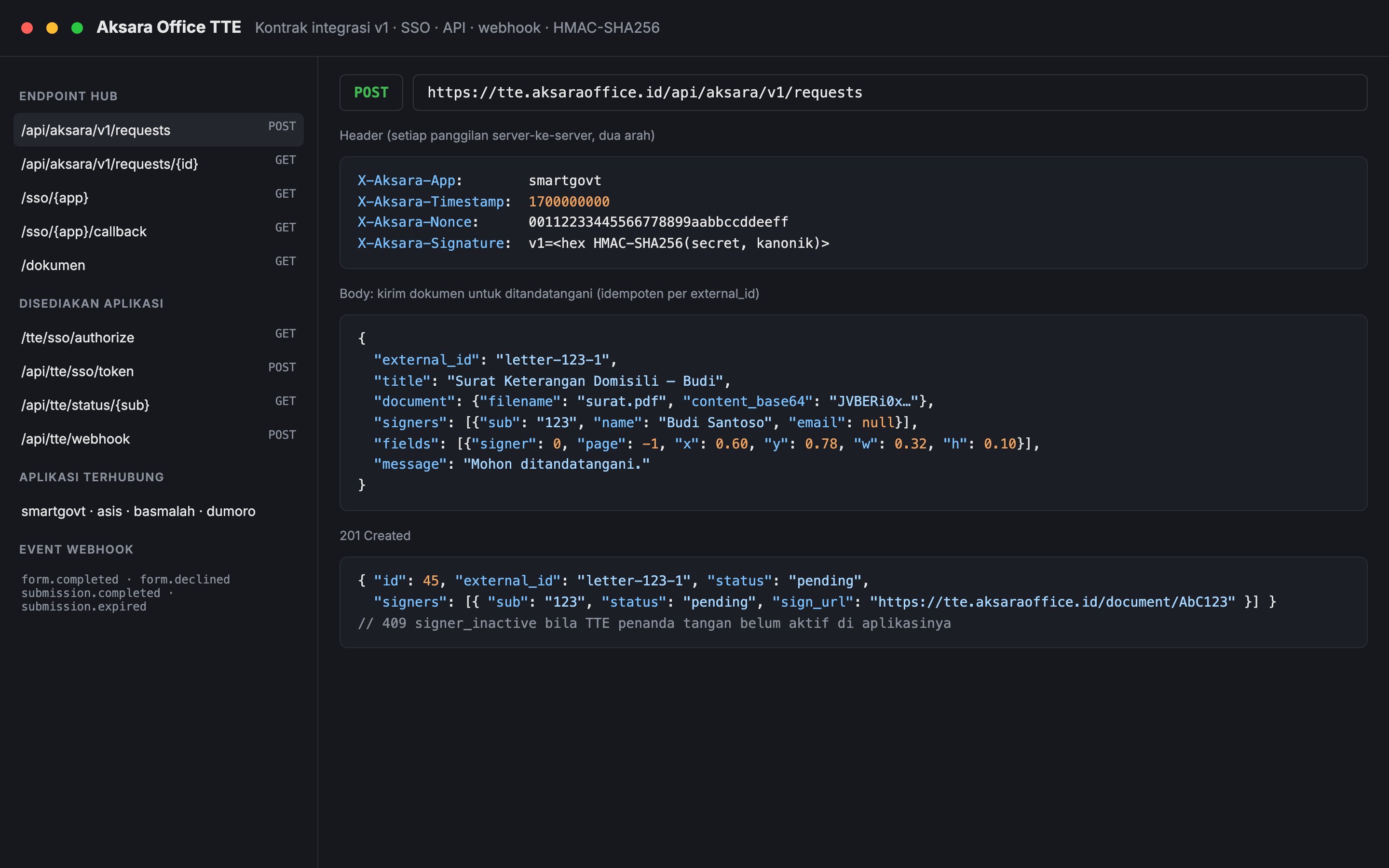
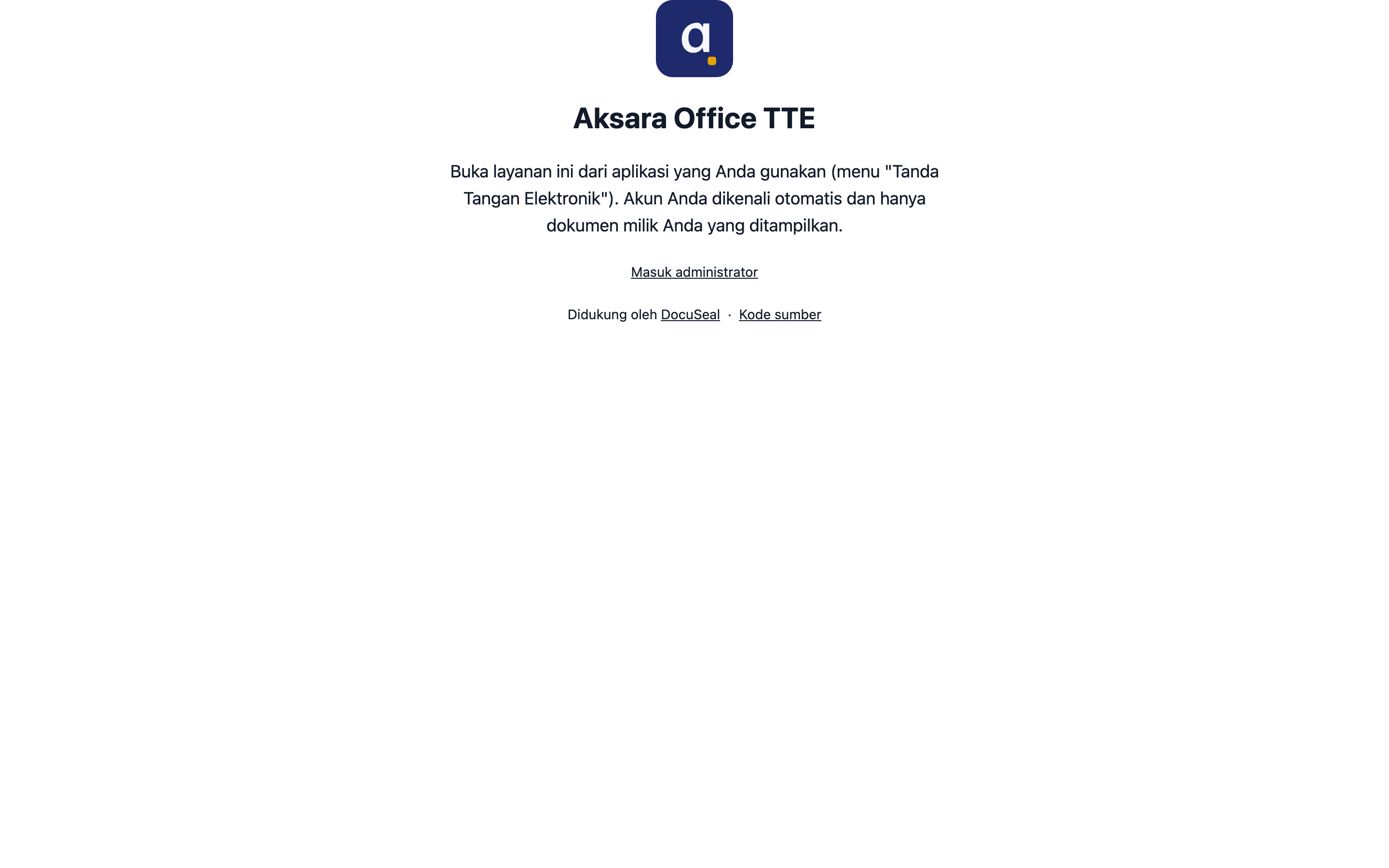
Aksara Office TTE is the electronic-signature (TTE) hub at tte.aksaraoffice.id for four applications: SmartGovt, ASIS, Basmalah, and Dumoro. A user opens the hub from the app they already use. The hub recognises the account by single sign-on and lists only that account’s documents. Signing is only allowed when the user’s TTE is active in the source app; the hub reads that status rather than running its own activation.
The hub is built on DocuSeal, an open-source document-signing application under the AGPL-3.0 licence, pinned by image digest. This project adds the Aksara layer on top: one hub account per source app, a signer role created on first SSO, an authorisation-code SSO with state, a “My documents” page, and a versioned API that apps call to send a PDF or HTML document for signing. Every server-to-server call in both directions carries an HMAC-SHA256 signature over a canonical string with a timestamp and a one-time nonce, and the contract ships with test vectors each app must pass. When a document is completed, declined, or expires, the hub sends a signed webhook, and the app fetches the authoritative status back from the API.
Files sit in a private S3 bucket with one folder per app and are served through short-lived presigned URLs. Vendor branding, analytics, and marketing pages are removed at build time, and the build fails if the vendor name is still present, while the original DocuSeal attribution and the AGPL source link stay on the signing pages. The product name, logo, and stamp are set in the admin settings. Deployment is a Docker Compose stack with PostgreSQL, Gotenberg for HTML-to-PDF, and Caddy for HTTPS, with build, backup, provisioning, and storage-check commands and a one-off migration from the vendor’s layout. VIDA, a licensed Indonesian certificate authority (PSrE), can be enabled once its credentials are entered.
Feature inventory
Highlights
20 capabilities verified against the project source.
Sign-on and accounts
- One hub for SmartGovt, ASIS, Basmalah, and Dumoro
- Single sign-on from the source app with an authorisation code, state, and a 60-second one-time code
- One hub account per app; identity is the pair of app and stable user ID
- “My documents” page that shows only the signed-in user’s documents
- Signing allowed only while the user’s TTE is active in the source app
Signing API
- Versioned API to send a PDF (up to 20 MB) or HTML document for signing
- Idempotent requests keyed by the app’s external ID
- One to five signers with signature boxes placed by normalised page coordinates
Security and storage
- HMAC-SHA256 on every server-to-server call, both directions, with timestamp and one-time nonce
- Published test vectors that each app’s helper must reproduce exactly
- Signed webhooks for completed, declined, and expired documents
- Signed-document pages and downloads guarded per signer
- Private S3 storage with one folder per app and short-lived presigned URLs
Branding and licence
- Name, logo, and stamp configured in the admin settings, with nothing branded in code
- Build-time removal of vendor branding, with a build that fails if any remains
- DocuSeal attribution and AGPL-3.0 source package kept with every build
Deployment
- Optional VIDA certificate-authority signing once credentials are set
- Docker Compose stack with PostgreSQL, Gotenberg, and Caddy
- Deploy script for build, backup, provisioning, and storage checks, plus rollback by image tag
- End-to-end test suite of 47 scenarios against a mock source app
Capabilities
What it is built to handle.
Implementation highlights documented in the project source.
- Connected apps
- 4
- SmartGovt, ASIS, Basmalah, and Dumoro
- End-to-end scenarios
- 47
- Run against a mock source app
Tech stack
Built with 8 technologies.
- DocuSeal (Ruby on Rails)
- PostgreSQL
- Gotenberg
- Caddy
- Docker
- Amazon S3
- HMAC-SHA256
- Python
Common questions
What people usually ask.
Why one hub instead of signing inside each app?
Four apps would otherwise need four signing implementations, four storage setups, and four certificate-authority integrations. With one hub, each app implements the same small contract: an SSO endpoint, a status endpoint, a webhook, and calls to the request API.
Is this written from scratch?
No. The signing engine is DocuSeal, used under its AGPL-3.0 licence with the attribution and source link kept. The work here is the integration layer, the security contract, rebranding at build time, storage layout, deployment, and the end-to-end tests.
How do the apps trust the hub, and the hub trust the apps?
Both sides sign every request with a shared secret over the method, path, body hash, timestamp, and a nonce that may only be used once. Requests older than five minutes or with a reused nonce are rejected, and webhooks are treated as a hint: the app always fetches the real status from the API.
Same field
Related projects.
Sistem SPPG — MBG Kitchen Operations (Laravel + Android)
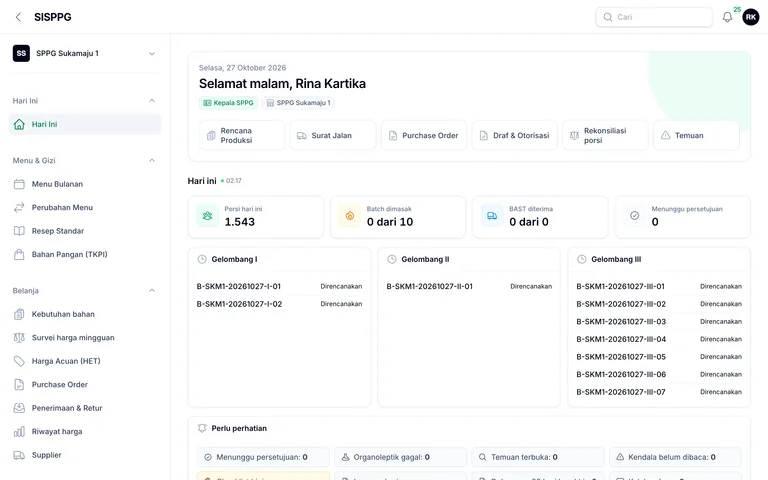
A Jadiin Online product for foundations running Makan Bergizi Gratis kitchens, sold per foundation with its source code, a web app, and an offline-first Android app: monthly menus and nutrition, procurement and stock with FEFO, production with a four-hour consumption countdown, food safety, delivery with digital handover, an append-only cash book, volunteers, and reports.
Laravel 13 · PHP 8.3 · Filament 5 · Laravel Sanctum · +8
SI-SPPG — MBG Kitchen Operations (Go + React)
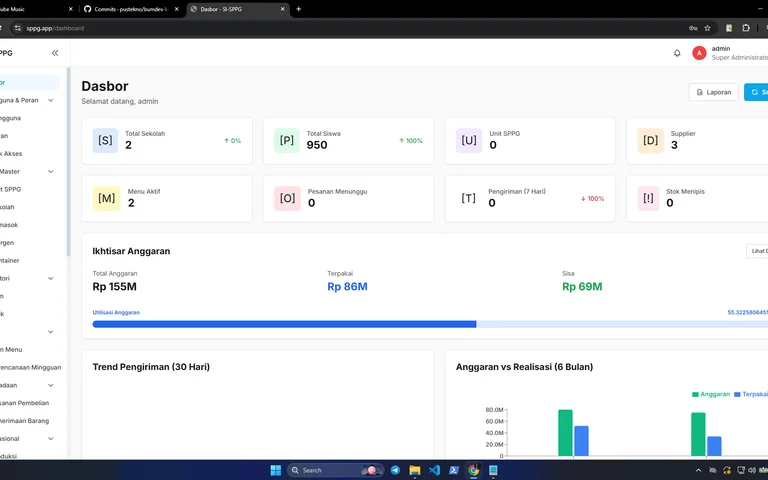
A Go and React operations system for Satuan Pelayanan Pemenuhan Gizi: weekly menus, procurement, inventory, production and quality control, distribution, budgets, complaints, and a public transparency portal.
Go 1.24 · Fiber 2 · GORM · PostgreSQL · +15
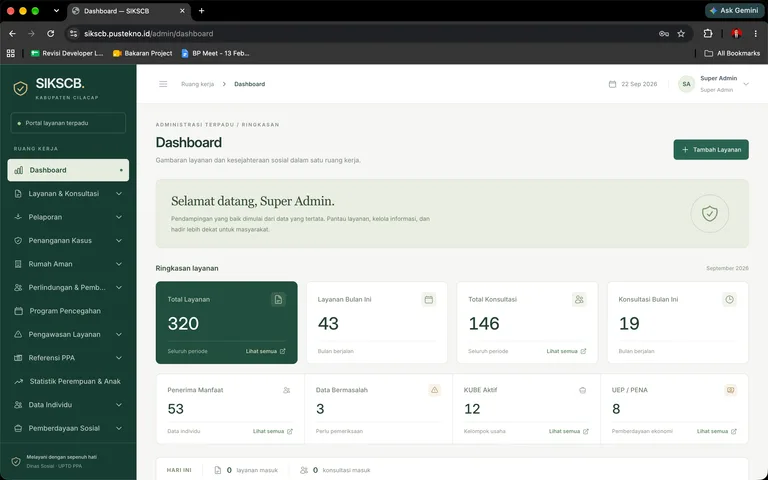
SIKSCB — Social Welfare & UPTD PPA Case Management
An integrated application for the Cilacap Regency social affairs and women & child protection offices: welfare services, violence-case handling with safe houses, social-key data synchronisation, assets, and performance planning.
Laravel 13 · PHP 8.4 · Blade · Livewire · +15